Converting MRC to ARC
Initial Conversion
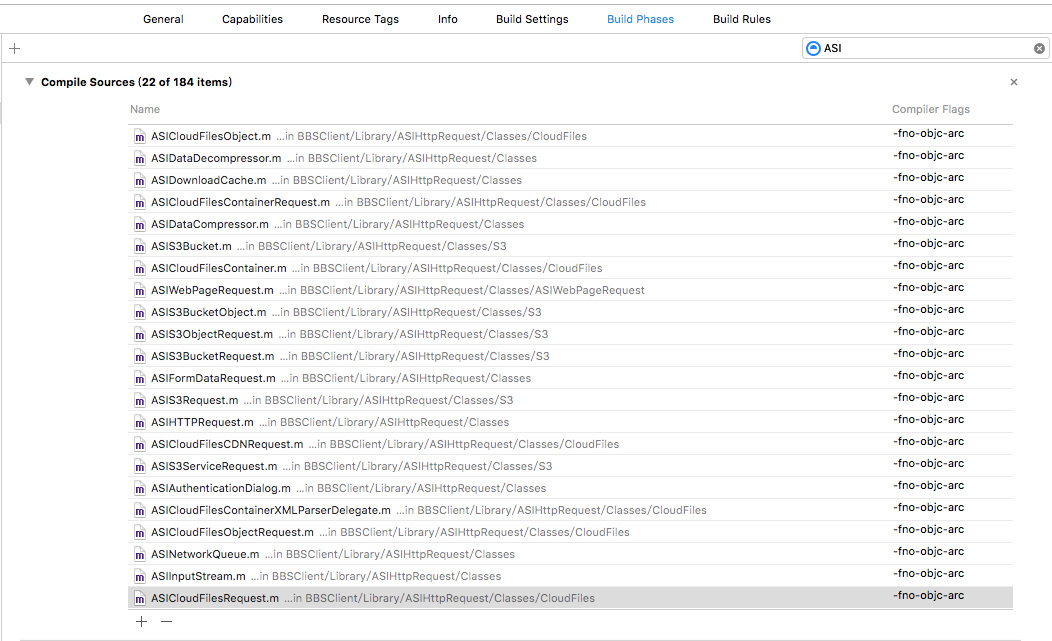
0、 If there are a lot of third party code using MRC like ASI or JSONKit, just put -fno-objc-arc to them.
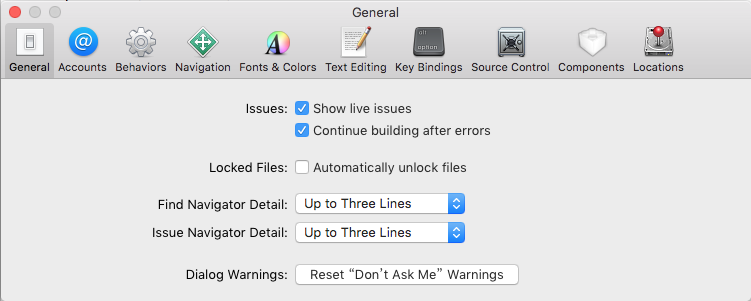
1、 Preferences -> General: Check Continue building after errors to reveal all errors.
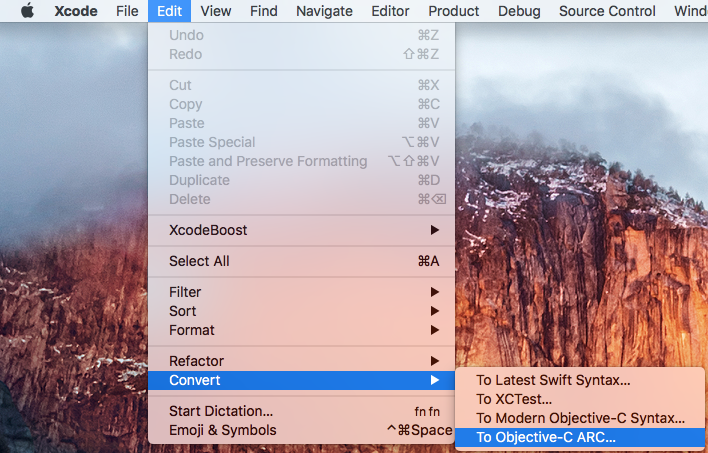
2、 Edit -> Convert -> To Objective-C ARC…: Select the target to be converting and click Check then Xcode will prompt ‘Xcode found many issues that prevents conversion from proceeding. Fix all ARC readiness issues and try again.’
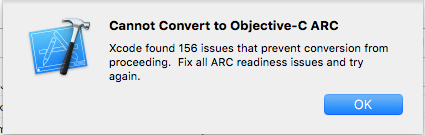
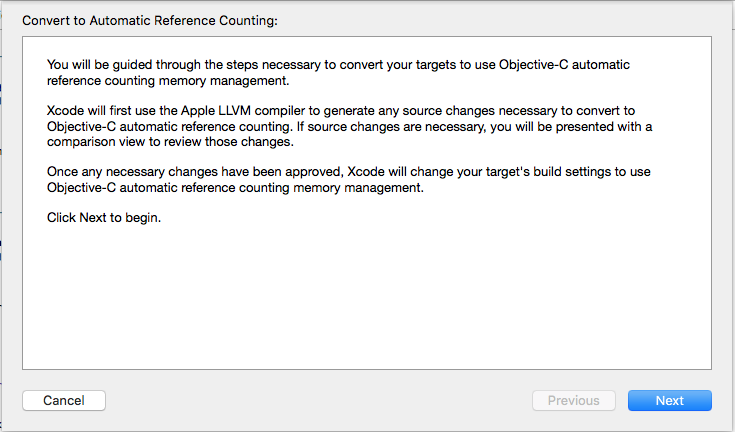
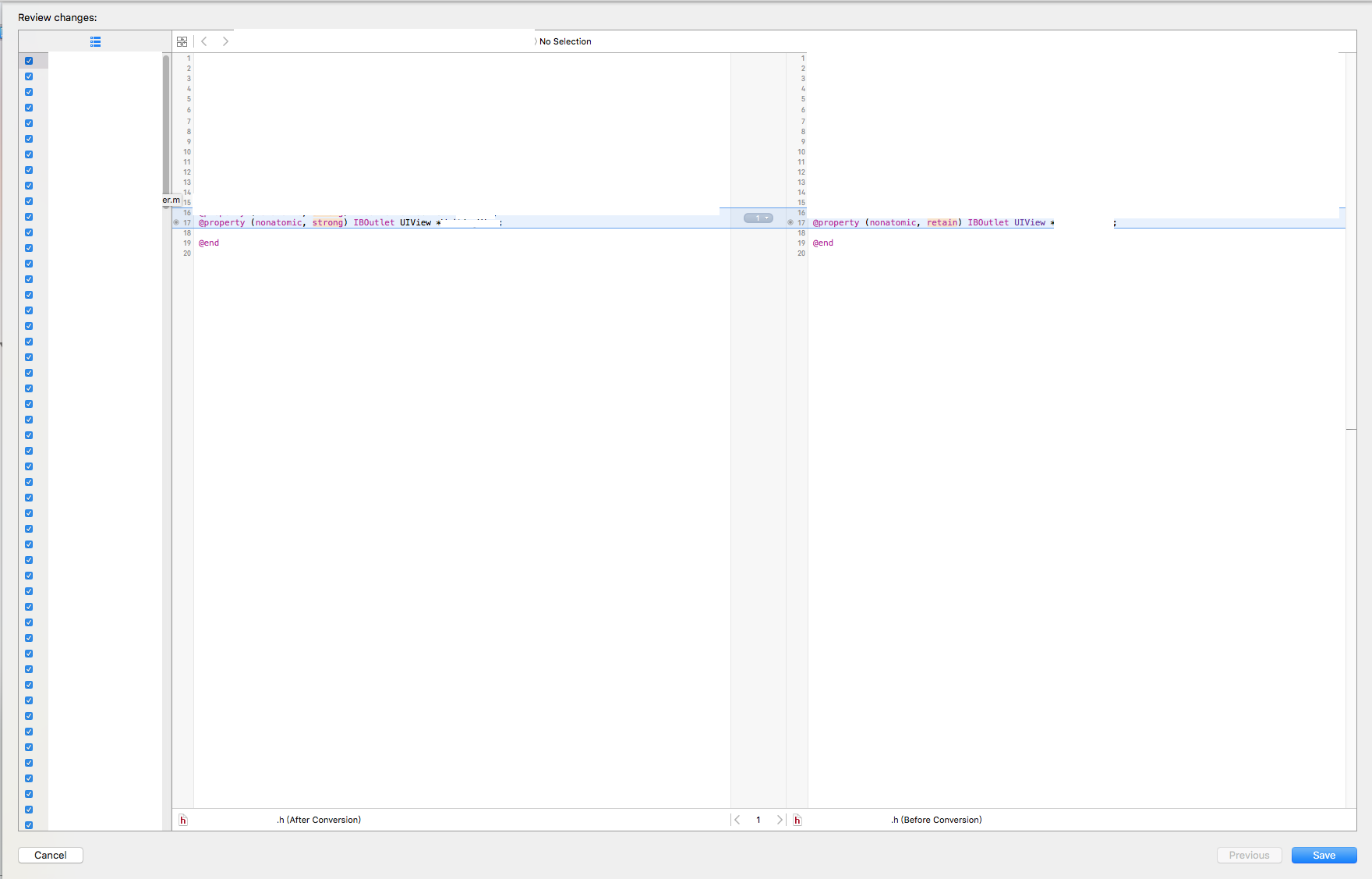
3、 Fix all ARC readiness issues and repeat step 2 until prompt the ‘Convert to Automatic Reference Counting’ Dialog.
4、Build and run. Redo the step 0 and delete some ‘release’ code manually when meet some errors like ‘ARC forbids explicit message send of …’.
5、Remember to clean the project or change another simulator when meet the prompt ‘lipo can’t figure out the architecture type of…’.
6、 Run the App and test it really really carefully because some tricky code may rely on the feature of MRC.
comments powered by Disqus